
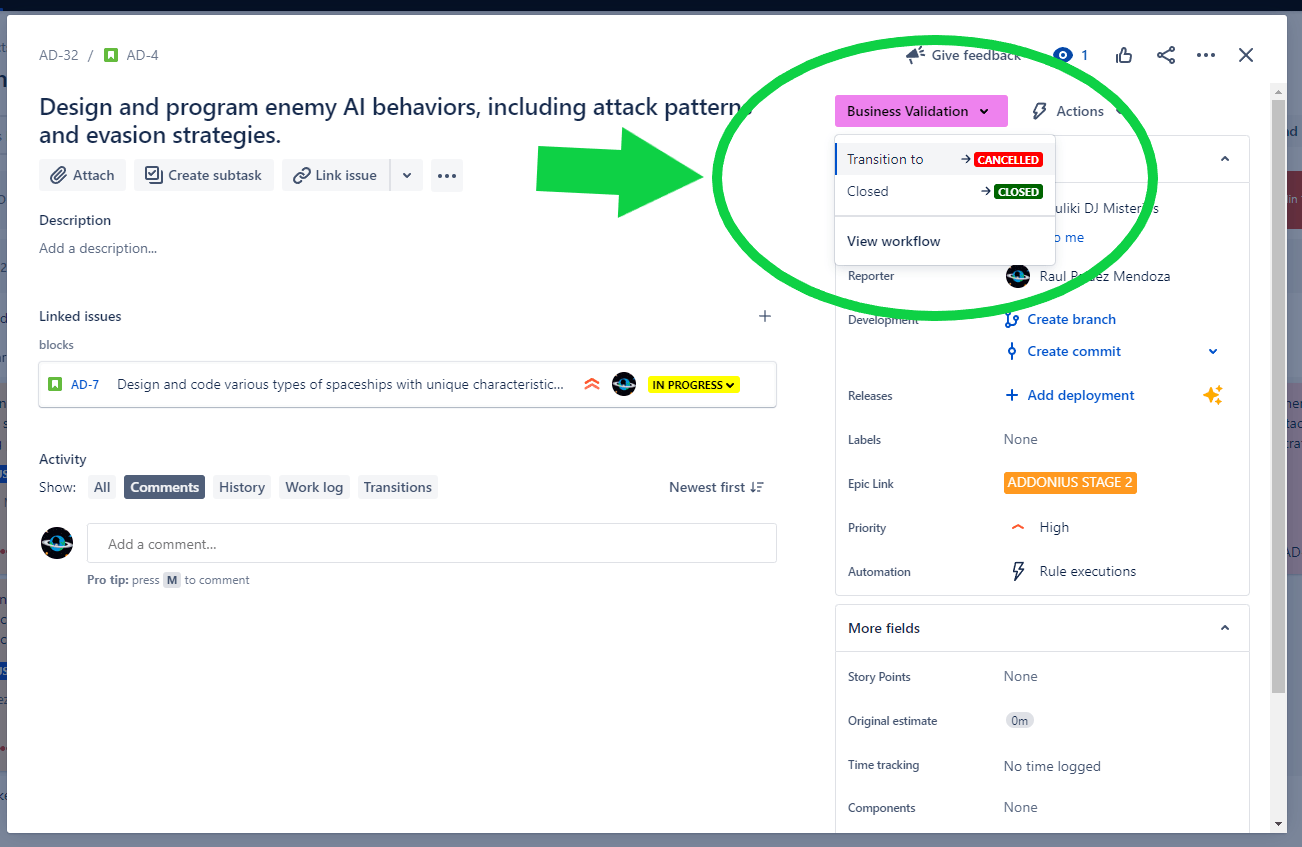
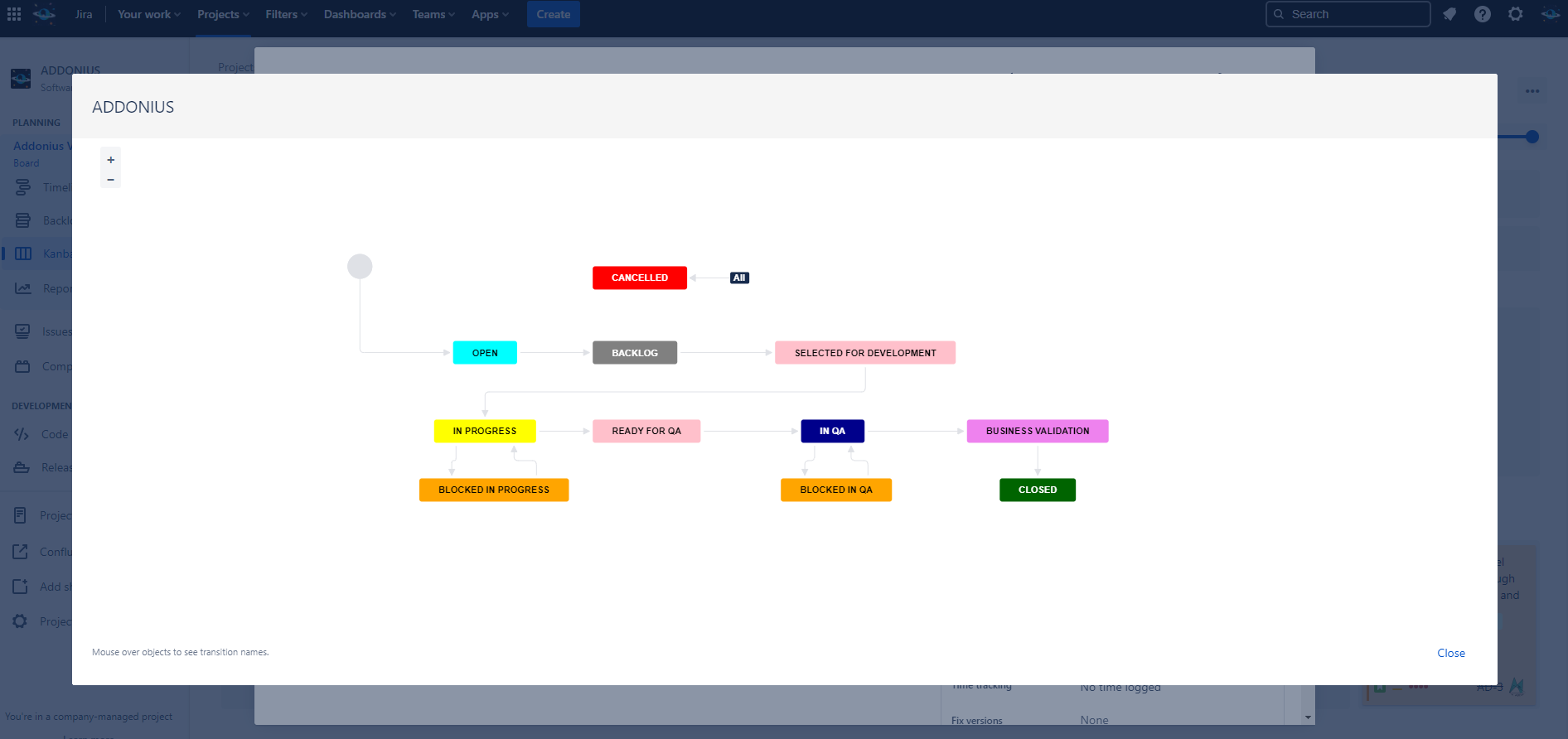
By default, Jira uses green to indicate positive statuses, which can lead to confusion when dealing with negative states. However, with New Status Colors PRO, you have the power to redefine these negative states by coloring them in red. By assigning red to statuses like “Deny,” “Cancelled,” “Discarded,” and “Failed,” you create a clear visual distinction that immediately alerts users to potential issues or risks. This simple change helps prevent manual errors, ensures accurate metrics, and promotes a more reliable workflow.
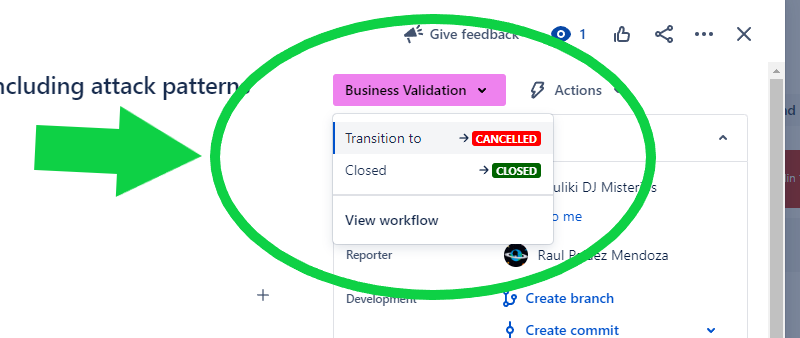
Furthermore, the ability to customize the color palette in New Status Colors PRO makes it effortless to assign red to negative states. Your Jira Admin can easily modify the colors to align with your team’s preferences and ensure consistency across your Jira projects. By visually highlighting negative states, you enhance transparency, promote accountability, and reduce the likelihood of critical issues going unnoticed.
MrAddon by TecnoFor
Marketplace Link: https://marketplace.atlassian.com/apps/1216518/new-status-colors-pro-for-jira-cloud?tab=overview&hosting=cloud
Company Website: https://tecnofor.es/
.
More info:


 www.MrAddon.com ®: Jira & Confluence Administration Support Blog